What to look for when running AI locally
Running a language model on a mini PC comes down to three questions: does the model fit in memory the GPU can use, how fast can the machine read that memory, and does your software support the chip? This guide answers them with maker specifications, benchmark definitions and MiniPC.guru’s own data: 338 configurations of 193 models in our catalog, and the one computer we have tested ourselves, the ASUS Ascent GX10.
An 8B model fits in 16 GB (4.6 GiB of weights at Q4_K_M), and 32 GB leaves room for long context. A dense 70B model needs about 43 GB of weights: look at 96 to 128 GB machines and expect slow answers. Mixture-of-experts models such as gpt-oss-120B, a 59 GiB file, fit a 128 GB Ryzen AI Max+ 395 machine or the ASUS Ascent GX10. Capacity decides what fits and memory bandwidth how fast answers appear; NPU TOPS measure neither.
Updated Sep 28, 2026: Rewritten with our catalog data and maker specs. New: memory sizing from 8B to 120B models, how much memory the GPU can use, bandwidth including Apple’s 2026 Macs, dense vs mixture-of-experts, prompt vs generation speed, NPU TOPS, September 2026 prices and our GX10 test.
Choose the model and the software before the computer
Your job, whether private chat, coding help, questions over your own documents or a team server, sets the model size and the runtime (Ollama, LM Studio, llama.cpp or vLLM), and the runtime decides which chips it can use. An “AI PC” label does not guarantee your tool will use the GPU.
Check the runtime’s hardware page for your exact chip and operating system. In September 2026, Ollama’s page lists:
- NVIDIA (CUDA): GPUs with compute capability 5.0 or newer.
- Apple (Metal): Macs.
- AMD on Linux (ROCm): Radeon cards, the Ryzen AI Max+ 395, Max 390 and Max 385, and Ryzen AI 9 chips such as the HX 470, HX 370 and 365.
- AMD on Windows (ROCm): only Radeon RX 7000 and PRO W7000 cards.
- Vulkan: further AMD and Intel graphics.
The Radeon 780M, in 25 of the 193 models in our catalog, is on neither ROCm list, so in Ollama it depends on Vulkan or, on Linux, on a ROCm override the page describes for unlisted cards. Check the operating system too: the ASUS Ascent GX10 we tested runs NVIDIA DGX OS, an Ubuntu-based Linux, on 20 Arm cores, so your software must run on 64-bit Arm Linux. Once a model is loaded, the command ollama ps shows whether it runs 100% on the GPU or is split with system memory.
Source: Ollama: hardware support (CUDA, ROCm, Metal, Vulkan) ↗
Add up the memory: weights, context, users and the system
The weights set the floor. llama.cpp’s quantization table lists Llama 3.1 8B at 14.96 GiB in 16-bit form, 7.95 GiB at Q8_0 and 4.58 GiB at Q4_K_M, which uses about 4.9 bits per weight: roughly 0.6 GB per billion parameters. Smaller quantizations may cost accuracy. Weights alone:
- 8B at Q4_K_M: 4.58 GiB, which a 16 GB machine holds with room to spare.
- 70B at Q4_K_M: 43.1 GB in the README’s memory-requirements table (which lists the 8B at 4.9 GB), tight on a 64 GB Ryzen AI Max+ 395 whose Windows graphics limit is 48 GB, according to our summary of published GMKtec EVO-X2 reviews; 96 or 128 GB leaves room for context.
- gpt-oss-120B, a mixture-of-experts model: a 59 GiB file in Nish Tahir’s published EVO-X2 test, a job for 96 to 128 GB machines.
Then comes the KV cache, the model’s working memory for your conversation. NVIDIA’s worked example puts it at about 2 GB for Llama 2 7B holding 4,096 tokens at 16-bit precision; it grows with context and with every parallel request, and grouped-query attention, used by models such as Llama 2 70B, and multi-query attention shrink it. Ollama can store it at q8_0 (with Flash Attention on), about half the memory of the default f16.
Finally, add the operating system and apps, and check the exact configuration: of the 262 complete systems we track, 105 have 16 GB or less, 46 have 64 GB or more, 9 have 128 GB and one has 256 GB.
Find out how much of that memory the GPU can use
None of the 338 configurations in our catalog has a graphics card with its own memory, so the GPU works out of system memory, within limits set by the platform and operating system.
- AMD Ryzen AI Max+ 395: AMD says 96 GB of a 128 GB system is available to graphics on Windows through Variable Graphics Memory. On Linux, as Nish Tahir’s published EVO-X2 test documents, a BIOS change and kernel boot options (ttm.pages_limit, which replaces the deprecated amdgpu.gttsize) can raise the limit toward the whole pool; our summary of published GMKtec EVO-X2 reviews reports owners reaching about 120 GB. These are setup steps, not defaults; our summary of published GMKtec EVO-X3 reviews recommends it on Linux only to buyers willing to build the software stack themselves and pin its versions.
- NVIDIA GB10: unified memory, fixed when you buy. Our GX10 has 128 GB, of which Linux sees 121.6 GiB.
- Apple silicon: unified and fixed too. The 2026 Mac mini goes up to 32 GB with the M6 or 64 GB with the M5 Pro; the 2026 Mac Studio up to 128 GB with the M5 Max or 512 GB with the M5 Ultra.
- Other integrated graphics: the GPU shares ordinary RAM, so installed memory is only its upper limit.
Only one configuration in our catalog has more than 128 GB: a Mac Studio M5 Ultra with 256 GB. Past 128 GB of unified memory, the options are Apple’s Mac Studio with an Ultra chip, configurable well beyond it, and the Ryzen AI Max PRO 400 systems with up to 192 GB that AMD said in May 2026 would come from HP and Lenovo in the third quarter of 2026. A few socketed mini PCs list 256 GB of DDR5 as their maximum, which adds capacity but not bandwidth.
OCuLink, on 28 of our 193 models (some through an M.2 adapter), connects an external graphics card with its own fast memory, separate from the shared pool: a model runs at the card’s speed only if it fits in that memory, whatever does not fit runs from system memory much more slowly, and the card, enclosure and power supply cost extra. For gaming with one, see how to choose a mini PC for gaming.
Source: AMD: 96 GB Variable Graphics Memory on Windows (July 2025) ↗
Compare memory bandwidth: it sets how fast the words appear
Writing an answer is mostly a memory-reading job: NVIDIA explains that when a model produces one token at a time, moving weights and cached values out of memory dominates, not the math. In llama.cpp’s table, the 8B model generated about 72 tokens per second at Q4_K_M and about 29 at 16-bit, where each token means reading a much larger file.
Memory bandwidth, from the makers’ pages or worked out from them:
- Apple Mac mini (2026): 153 GB/s with the M6 (170 GB/s with 24 or 32 GB), 307 GB/s with the M5 Pro.
- Apple Mac Studio (2026): 460 or 614 GB/s with the M5 Max, 1.2 TB/s with the M5 Ultra.
- Previous Apple generation, in our catalog: 120 GB/s (M4), 273 GB/s (M4 Pro), 410 GB/s (M4 Max with a 32-core GPU; Apple’s 40-core version reaches 546 GB/s), 819 GB/s (M3 Ultra).
- NVIDIA GB10: 273 GB/s on NVIDIA’s DGX Spark page, which lists the ASUS Ascent GX10 among GB10 partner systems.
- AMD Ryzen AI Max+ 395: a 256-bit LPDDR5x-8000 interface, 256 GB/s by our own arithmetic (256 bits × 8,000 MT/s ÷ 8).
- AMD Ryzen AI 9 HX 370: two memory channels, DDR5-5600 or LPDDR5x-8000; AMD gives no bandwidth figure.
Two traps. A socketed machine sold with one memory module runs in single channel: TechRadar found a single module in its 32 GB MINISFORUM AI X1 Pro-470, which leaves the Radeon 890M roughly half the memory bandwidth of a dual-channel setup, and in our summary of published AI X1 Pro-470 reviews a lab that added a second module saw graphics results roughly double. And every configuration in our catalog with 128 GB or more has soldered memory; of the 134 socketed models whose maker states a ceiling, 63 stop at 64 GB, 35 at 96 GB and 17 list 128 GB or more.
Source: NVIDIA: LLM inference, decode, KV cache and batching ↗
Know whether your model is dense or mixture-of-experts
A dense model uses all its parameters for every token; a mixture-of-experts (MoE) model stores many more but activates only some per token. Hugging Face sums up the trade: faster inference than a dense model with the same number of parameters, but all the experts must be loaded in memory. AMD’s example is Llama 4 Scout, 17 billion parameters active out of 109 billion held in memory, and AMD notes that speed tracks the active parameters for MoE models and all of them for dense ones.
That is the case for 96 to 128 GB unified-memory mini PCs: in Nish Tahir’s published test of a 128 GB GMKtec EVO-X2 (llama-bench, ROCm, Ubuntu), gpt-oss-120B, a 59 GiB file, generated 46 tokens per second with an empty context. In the same post’s Ollama runs on that machine, a dense 32B model (qwen3:32b) generated 9.43 tokens per second against 33.05 for gpt-oss-120B. In a different test, our summary of eight published EVO-X2 sources reports a dense 70B model at Q6 fitting in the 128 GB machine’s GPU memory but running at under 4 tokens per second. So look up a model’s total and active parameters: the total decides the memory, the active count and bandwidth the speed.
Ask for two speeds: reading the prompt and writing the answer
Tokens per second can mean two things. llama.cpp’s llama-bench reports prompt processing (reading your prompt) apart from text generation (writing tokens one by one), can pre-fill the context to a given depth, and leaves out tokenization and sampling time. Prompt processing sets the wait for the first word; generation sets how fast the answer scrolls. Both slow down as the context grows:
- In Nish Tahir’s published EVO-X2 test, gpt-oss-120B read prompts at 818 tokens per second with an empty context and 275 with 32,768 tokens in it; generation fell from 46 to 34.
- In the long-document part of our own test of the ASUS Ascent GX10 (vLLM, a 35-billion-parameter MoE model with about 3 billion active, 4-bit NVFP4 weights), an 8,620-token document took 1.7 seconds to the first word, then ran at 74 tokens per second; a 94,722-token document took 26.6 seconds, then ran at 48.5.
The two tests used different machines, models and runtimes, so read each only against itself, and for long documents or code look for results at a similar context length with full settings.
Plan for more than one user and for running all day
A shared server works differently from one person chatting. Each parallel request needs its own KV-cache memory, while the server batches requests so one pass over the weights serves several users (NVIDIA notes that batching spreads the memory cost of the weights). Total throughput rises and each user’s speed drops: in the many-users part of our GX10 test (vLLM), 32 simultaneous users got 530 tokens per second in total but about 17 each, against 77 for one user in the same part of the test. Ollama serves one request per model at a time by default (OLLAMA_NUM_PARALLEL=1), and its memory needs scale with parallel requests times context length.
Ollama’s default context follows the GPU memory it sees: 4K tokens under 24 GiB, 32K from 24 to 48 GiB and 256K from 48 GiB. It recommends at least 64,000 tokens for coding tools, agents and web search, so budget memory for the context you will really use.
A box running all day also needs dependable networking, cooling and tolerable noise. Our summaries of published reviews of the Beelink GTR9 Pro and Beelink SER10 MAX collect owner reports of their 10-gigabit ports dropping out under load.
Source: Ollama FAQ: parallel requests, KV cache and ollama ps ↗
Do not shop by NPU TOPS for chat and coding models
AI PC marketing quotes either the NPU’s TOPS or a platform total. Microsoft defines Copilot+ PCs by an NPU, a separate low-power AI block, of more than 40 TOPS, and notes that software must be programmed to use it. AMD’s Ryzen AI software can run language models on the NPU, alone or with the GPU, on Ryzen AI 300-series chips, using models prepared for ONNX Runtime GenAI. Ollama’s hardware page does not mention NPUs.
Neither figure ranks chips for this job, because neither measures memory capacity or bandwidth. AMD rates the Ryzen AI 9 HX 370 and the Ryzen AI Max+ 395 at the same NPU figure, up to 50 TOPS (up to 80 and 126 overall), while the same pages list 16 graphics cores and two memory channels for the HX 370 against 40 cores and a 256-bit memory interface for the Max+ 395. The NPU still helps Windows features built for it.
What mini PCs cost by memory size in September 2026
These are prices as observed on MiniPC.guru in September 2026 for new, complete systems in stock at a US store, across the whole catalog rather than only the local AI listing: for each memory size, the middle half of the lowest current prices of its priced configurations, rounded. Prices move, so check the live listing.
- 16 GB: about $450 to $650 (62 configurations).
- 32 GB: about $750 to $1,150 (57 configurations).
- 64 GB: about $1,200 to $1,750 (15 configurations).
- 128 GB, Ryzen AI Max+ 395: roughly $3,500 to $4,500 across all six priced configurations, five of them listed only at the maker’s own store.
- 128 GB, NVIDIA GB10 (ASUS Ascent GX10): listed around $6,000 at the seven US stores where we tracked it in September, but in our late-September checks only one had it in stock.
No socketed mini PC in our catalog ships with 128 GB, and fitting it yourself, where the maker allows, adds capacity but not bandwidth. A 128 GB Ryzen AI Max+ 395 machine cost roughly two and a half to three times a typical 64 GB socketed system, though within one model the step is smaller: at GMKtec’s own store, its 128 GB EVO-X2 cost about 1.6 times its 64 GB version. Barebone kits, 76 of our 338 configurations, come without memory or storage, so add those before comparing (barebone or complete). Then filter the local AI listing by memory and put finalists side by side in Compare.
What we have measured, and what we have not
MiniPC.guru has tested exactly one computer itself: the ASUS Ascent GX10, with its settings and raw files on its page. That test also covers ComfyUI image and video generation: Z-Image Turbo made a 1024 × 1024 image (8 steps) in 7.5 seconds once loaded, and Wan 2.2 TI2V 5B a 121-frame clip in 5 minutes 26 seconds; no other machine on the site has such results yet.
Every other language-model result on the site is our summary of a named outside source: we review its test conditions, show it on the exact configuration measured, and never merge different tests into one score (methodology). Open a model page, choose the configuration and go to Performance, then Local AI; the 128 GB GMKtec EVO-X2, MINISFORUM MS-S1 MAX and Beelink GTR9 Pro pages list several, each with its test conditions.
A page with no result is not a verdict on the machine: it means we have not yet reviewed a published test for that configuration, and its specifications are not a tokens-per-second claim.
About this data (22)
- Ollama: hardware support (CUDA, ROCm, Metal, Vulkan) ↗
- Ollama: context length and default sizes ↗
- Ollama FAQ: parallel requests, KV cache and ollama ps ↗
- llama.cpp: quantization sizes and speeds ↗
- llama.cpp: llama-bench test definitions ↗
- NVIDIA: LLM inference, decode, KV cache and batching ↗
- Hugging Face: mixture-of-experts explained ↗
- AMD: Ryzen AI Max+ 395 specifications ↗
- AMD: Ryzen AI 9 HX 370 specifications ↗
- AMD: 96 GB Variable Graphics Memory on Windows (July 2025) ↗
- AMD: Ryzen AI Max PRO 400 with up to 192 GB unified memory (May 2026) ↗
- AMD Ryzen AI Software: running LLMs on NPU, hybrid or GPU ↗
- Microsoft: Copilot+ PCs and the 40+ TOPS NPU ↗
- Apple: Mac mini (M6 or M5 Pro, 2026) technical specifications ↗
- Apple: Mac Studio (M5 Max or M5 Ultra, 2026) technical specifications ↗
- Apple: Mac mini (M4 or M4 Pro, 2024) technical specifications ↗
- Apple: Mac Studio (M4 Max or M3 Ultra, 2025) technical specifications ↗
- NVIDIA: DGX Spark and GB10 specifications ↗
- Nish Tahir: GMKtec EVO-X2 llama-bench results ↗
- TechRadar: MINISFORUM AI X1 Pro-470 review (single-channel RAM) ↗
- MiniPC.guru: our test of the ASUS Ascent GX10
- MiniPC.guru: how results and prices are handled
Related Mini PCs
Open a model to see its configurations, specifications and the store prices we track.
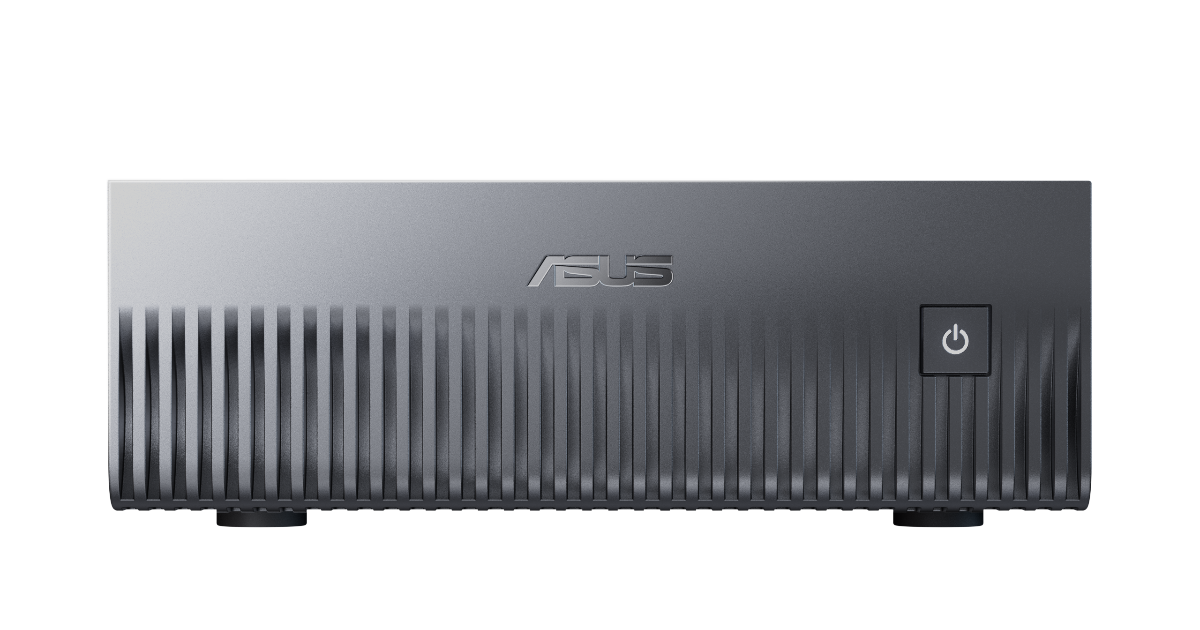 ASUS Ascent GX10NVIDIA GB10
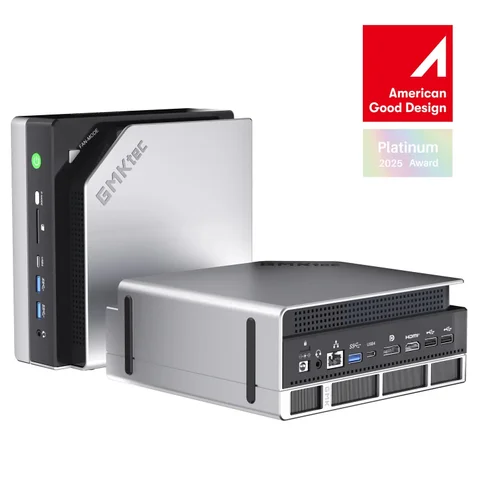 GMKtec EVO-X2AMD Ryzen AI Max+ 395
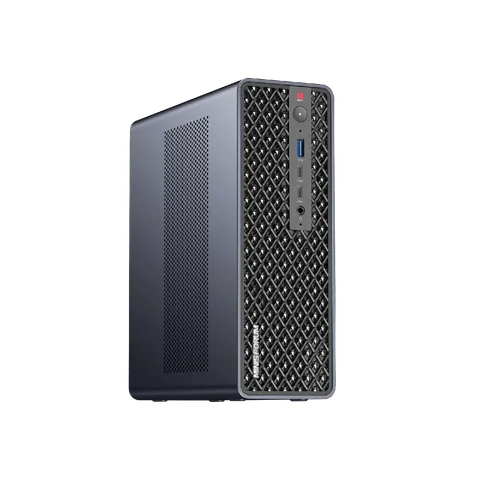 MINISFORUM MS-S1 MAXAMD Ryzen AI Max+ 395
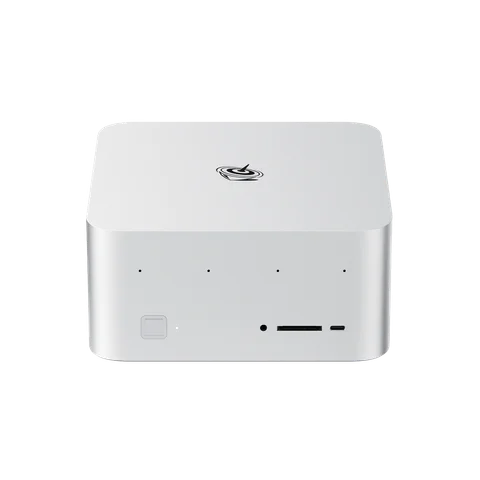 Beelink GTR9 ProAMD Ryzen AI Max+ 395
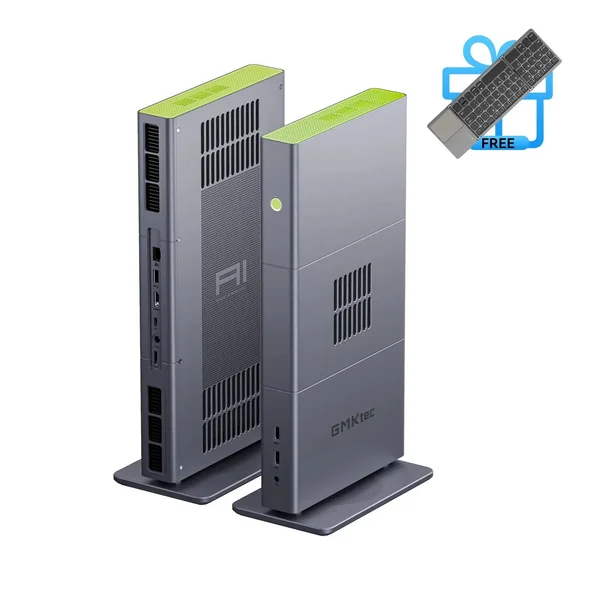 GMKtec EVO-X3AMD Ryzen AI Max+ 395
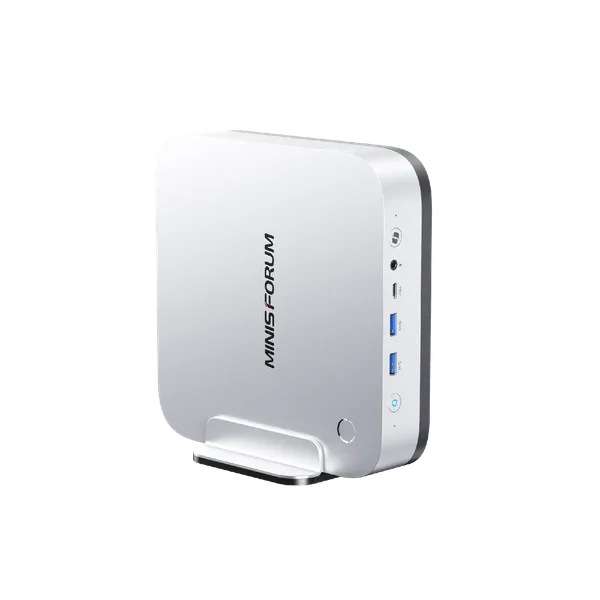 MINISFORUM AI X1 Pro (HX 470)AMD Ryzen AI 9 HX 470
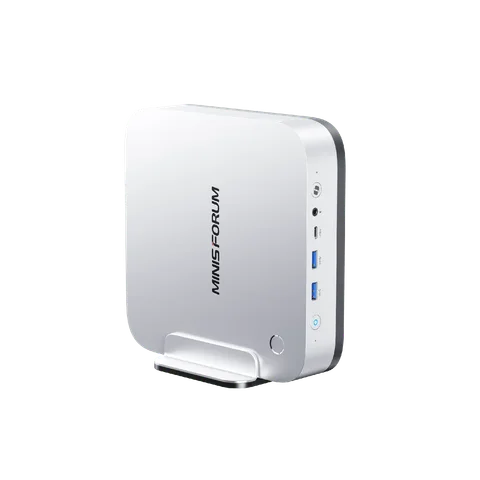 MINISFORUM AI X1 Pro (HX 370)AMD Ryzen AI 9 HX 370
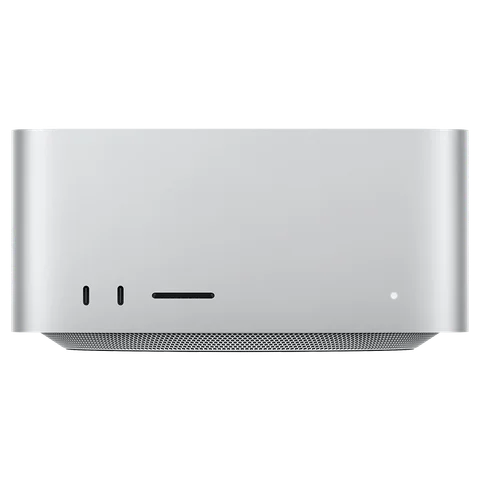 Apple Mac Studio M3 Ultra (2025)Apple M3 Ultra (28-core CPU)